RichardRecovery is a professional online lab specializing in corrupted video repair and lost data recovery — serving photographers, videographers and families in 60+ countries since 2016.
You only pay after you confirm the preview works.
From unfinalized camera footage to formatted memory cards — if the data is still there, we can usually get it back.

Fix corrupted, broken, truncated or unfinalized MP4, MOV, MXF, DAT, RSV and more — from cameras, drones, phones, camcorders and dashcams, original quality preserved.
Learn more →
Repair damaged WAV, M4A, 3GPP, AMR files and voice memos from phones and recorders. Crackle, silence, unreadable files — we restore what you thought was gone.
Ask about your file →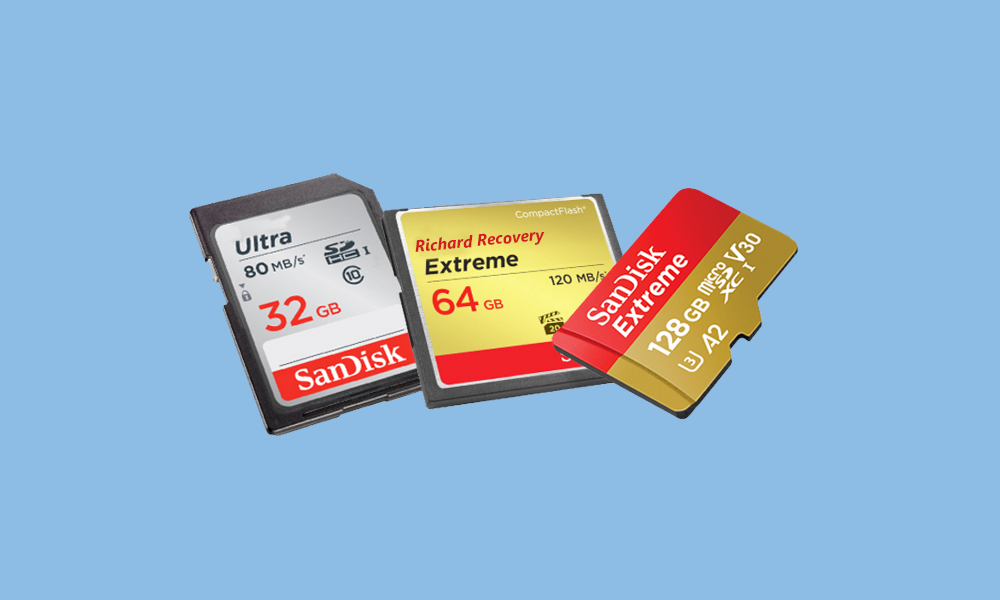
Recover formatted, deleted or lost video, photo and audio files from SD/CFexpress cards, USB drives and all types of disks — even after reformatting or a failed transfer.
Learn more →No fix, no fee. You verify the result with a free preview before paying anything.
Upload your corrupted file or card image via could storage to share with us.
We analyze the damage and send you a free preview of what can be recovered.
Happy with the preview? Pay securely via PayPal. Not happy? Walk away free.
Receive your repaired or recovered files in full original quality, then we securely wipe your data.
You see a working preview before any payment. If we can't fix it, you owe nothing.
Most video repairs are completed within 24–48 hours; urgent cases can be expedited.
Your files are handled in a private lab and permanently deleted after delivery. NDAs welcome.
Unfinalized RSV, DAT, MXF and fragmented files that standard software can't touch.
No re-encoding, no watermarks. Recovered footage keeps its native resolution and frame rate.
Remote service via secure upload — clients in 60+ countries, from the US to Singapore.
"Our 4K drone footage of a client's resort was unfinalized after a crash. RichardRecovery had a working preview back to me in under six hours — full quality."
"I formatted the SD card from my daughter's graduation before backing it up. They recovered every single photo and video. I cried. Pricing was very reasonable."
"A 78 GB broadcast MXF that two other services declared unrecoverable was fully repaired here. They also promised to keep everything confidential, and they did."
"The preview-first model sold me. I could see exactly what I was paying for. Dashcam footage from an accident evidence case, repaired overnight."
"Corrupted voice memos from an interview series — every other tool produced silence. RichardRecovery restored all six recordings with clean audio."
"Clear communication, fast replies, and no upselling. My wedding video was worth far more than the fee. Highly recommend to any videographer."
Updated every few weeks with real (anonymized) customer cases — what broke, what we did, and what came back.
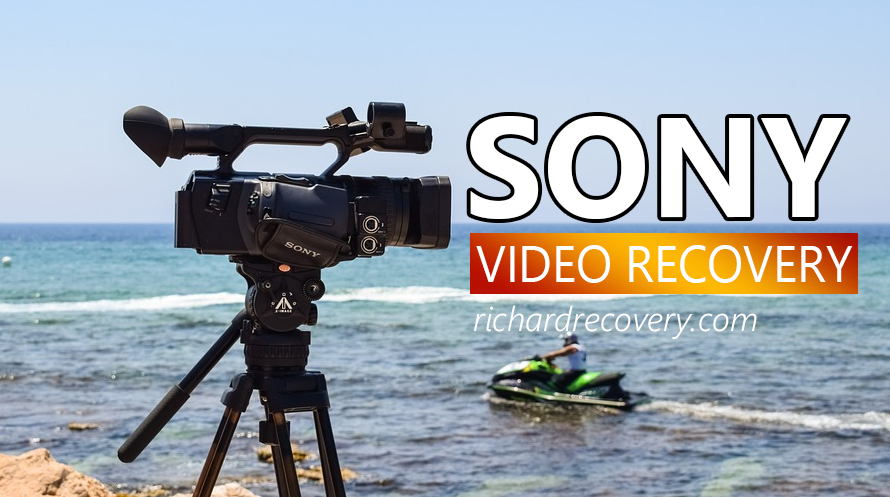
We repaired a damaged MP4 video today, it was recorded by SONY PMW-EX280 which supports 4 tracks of audio and external microphone. The video was recorded with external microphone to get high quality of audio. The client changed the battery without stopping the recording, so, it came to a damaged MP4 video…
Read the post →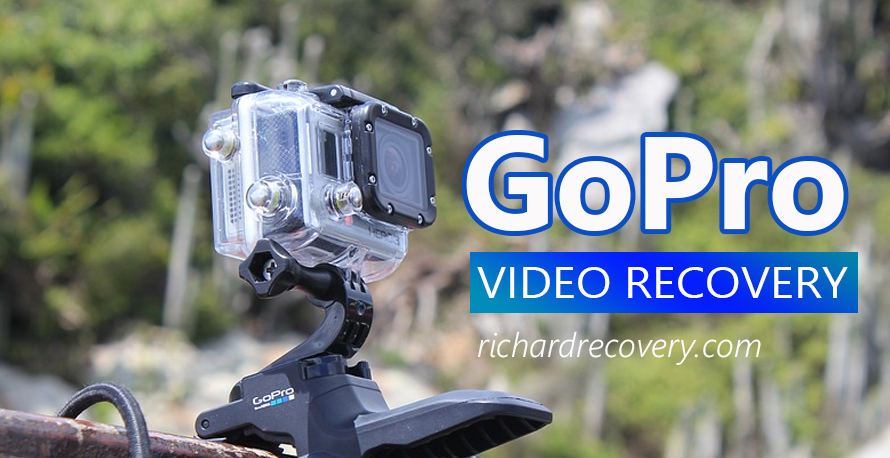
Let’s see what we repaired today, it is a corrupted video recorded by GoPro Camera. Here is what our client told us: I have a short MP4 video file that was recorded in low light and is pixelating, out of synch with audio and seems to be playing in slow…
Read the post →
Video Recovery Request for SONY A7S3 from A Client I have a 28GB 4k corrupt video, now it is in SRV format which is probably unfinished. I think the problem was that the camera was shut off before the recording stopped. My camera is SONY A7S3, I am uploading the file to One Drive right now. I will send it…
Read the post →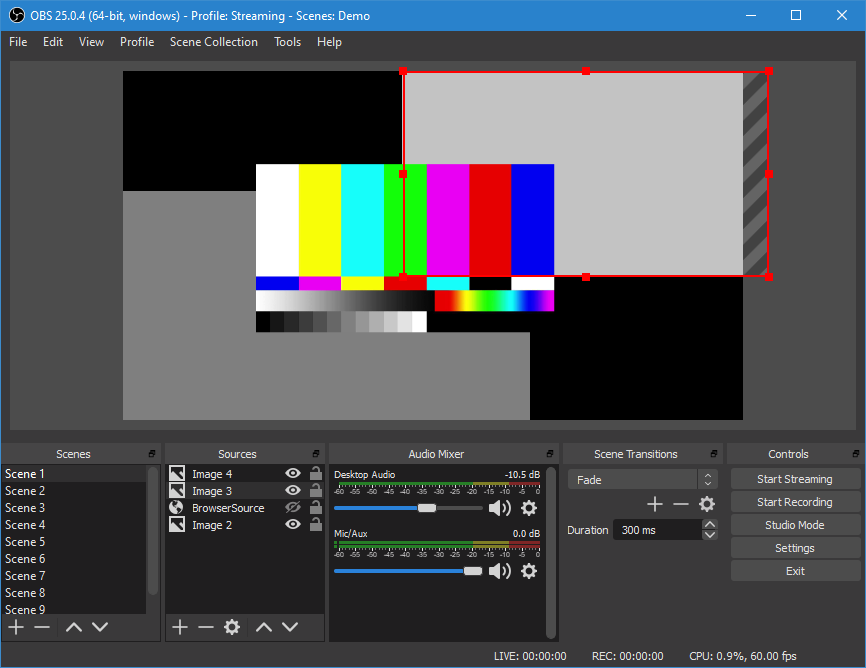
OBS(Open Broadcaster Software) studio, Free and open source software for video recording and live streaming. Let’s see what we repair today. This is a recovery request from our client I have been recording a video today in MP4 format but ran out of disk space and the file has corrupted.…
Read the post →
Some users are wondering who can repair the broken MDT file from the Panasonic S1H when they get the MDT format instead of MOV video. Because they found that it is not easy to find video repair service for the MDT file in H.265/HEVC codec. No worry, we can. We repaired…
Read the post →
Canon EOS R6, with high-performance CMOS sensor and DIGIC X image processor, supports H.265 in 4K cinematic video. It is designed to meet the demands of both photographers and video content creators. An EOS R6 user came to us and ask help for video recovery sevice, let us see what…
Read the post →Every new write to a failing drive or formatted card reduces recovery chances. Contact us today for a free, no-obligation assessment.
Start Free Assessment →