Corrupted Video Repair

Broken, truncated or unfinalized footage repaired at original quality — no re-encoding, no watermarks, audio perfectly in sync. Free preview before you pay a cent.

Symptoms We Fix

Does this sound familiar?

If your video shows any of these problems, we can most likely repair it.
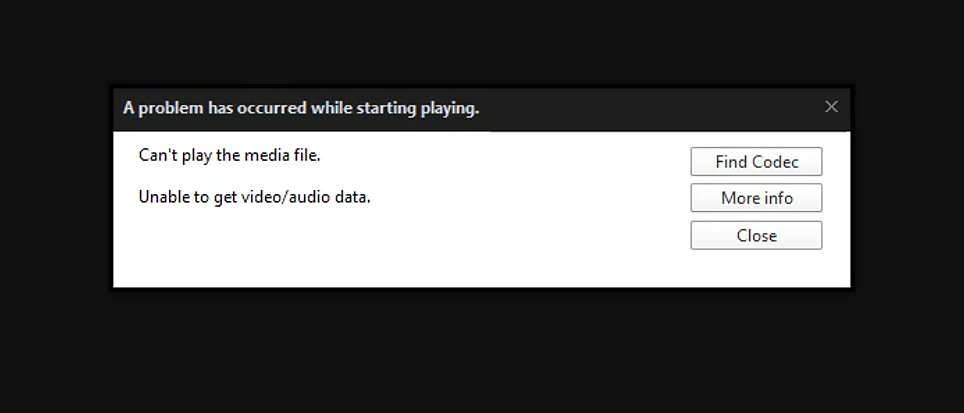
TV error screen - video will not play

Won't open or play

"Error 0xc00d36c4", "unsupported format", or the file simply refuses to open in any player or editor.
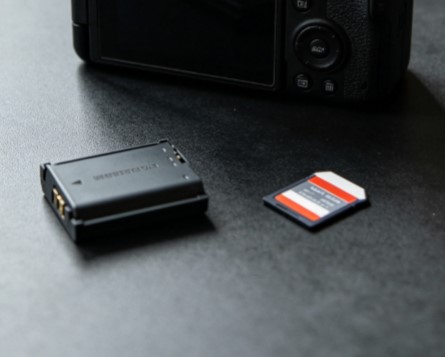
Camera battery removed - recording stopped early

Truncated footage

Recording stopped unexpectedly — battery died, card was pulled, or the camera crashed mid-write.

Glitching broken TV screen - stuttering video

Stuttering & glitches

Frozen frames, green/gray blocks, out-of-sync audio, or video that plays only a few seconds.
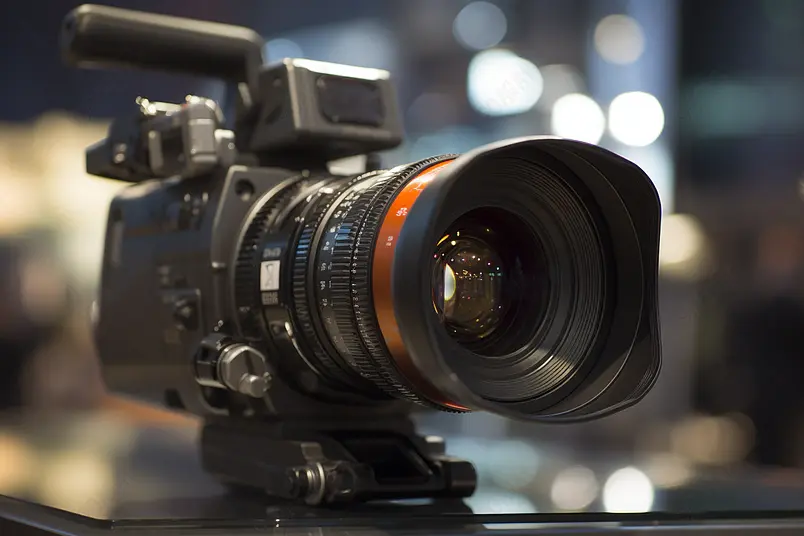
Broadcast camera - unfinalized DAT and RSV files

Unfinalized files

Files stuck as DAT (Canon), RSV (Sony), or 0-byte files because the camera never finished writing its index.
Video editing software timeline - codec and container issues

Wrong container or codec

MXF, HEVC or proprietary camera formats that won't import into your editing software.
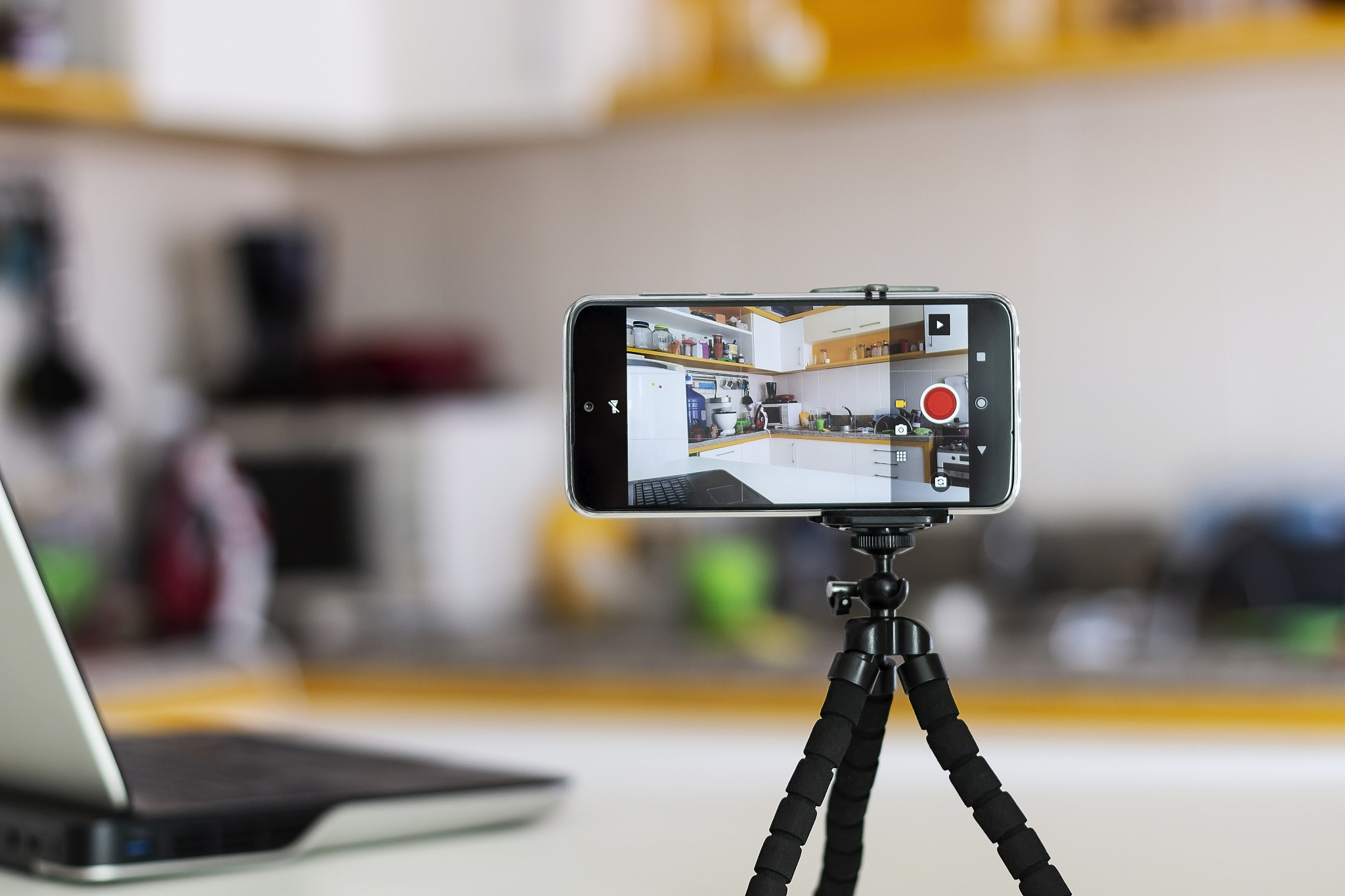
Recording video on a smartphone

Phone & app recordings

Videos from WhatsApp, Telegram, screen recorders or camera apps that crash on playback.

Coverage

Formats & devices we handle

File formats

Including proprietary and unfinalized camera formats that consumer tools cannot read:

MP4 / M4VMOVMXF AVIMTS / M2TSDAT (Canon) RSV (Sony)MDT3GP HEVC / H.265ProResXAVC

Source devices

From consumer gadgets to broadcast equipment:

DSLR & mirrorlessCamcordersDrones (DJI) Action cams (GoPro)DashcamsSmartphones Cinema camerasBodycamsSecurity / CCTV
The Process

From broken to playable in four steps

1

Send the file

Secure upload link handles files up to 100 GB — just send the broken video as-is.

2

Free preview

We rebuild headers, indexes and data streams, then send you a playable sample.

3

Approve & pay

Confirm the preview plays correctly, then pay via PayPal or card.

4

Download

Receive the full repaired file in original resolution, frame rate and bitrate.

Send My Broken Video →

Free diagnosis · No fix, no fee

Important

Before you send the file

  • Stop using the camera or card immediately — new recordings can overwrite the damaged file's data.
  • Don't run generic "free fixer" tools — many rewrite the file structure and make professional repair harder or impossible.
  • Send the original file, not a copy that has already passed through conversion software.
  • Keep the file name intact — camera naming (C0001.MP4, A003RSV.RSV etc.) helps us reconstruct the recording session.
  • If the card itself is failing, contact us about data recovery first — we'll recover the raw data before repairing it.
Repair Case Studies

Real videos we've brought back to life

Updated every weeks with real (anonymized) video repair cases — what broke, what we did, and what came back.
Professional canon camera dat convert mp4 service by Richard Recovery Video Repair

Recovering Unfinalized Canon C70 DAT Clips to MP4

Unfinalized DAT file, the worse is in size 0 KB after a too-early card pull — all rebuilt into playable MP4 in under 24 hours.

Read the case
Professional SONY camera rsv convert mp4 service by Richard Recovery Video Repair

Repairing & Converting a 78 GB Sony RSV Recording That Was Never Finalized

A power-cut RSV file two other services called impossible — 90 minutes footage recovered, broadcast quality.

Read the case
Professional mp4 video repair service by Richard Recovery Video Repair

Fixing a Corrupted 4K Drone MP4 After a Hard Landing

Drone met a palm tree mid-recording; the 12-minute 4K/60p clip was playable again within 2 hours.

Read the case

View all case studies →

Your footage survived the crash — let's make it play again

Send us the file today and get a free preview of the repaired video, usually within 24–48 hours.

Get Free Assessment →