Real recoveries, real customers. We publish a new case every few weeks — what broke, what we did, and whether the data came back. Names are shortened for privacy.
If you accidentally formatted the SD card inside your Panasonic S1M2 (Lumix S1II) or on your computer, your valuable video footage may still be recoverable. This guide covers how to rescue formatted MOV/MP4 files from the camera’s SD card and what steps to take immediately. A Panasonic S1M2 owner plugged the camera's 64 GB SD card into a computer, got the familiar "you need to format the disk" prompt —…
Read the post →
A sudden power loss during recording on Panasonic Lumix S5 II turned the expected MOV into a 48GB unplayable MDT file. In this case study, we repaired the corrupted clip and fully recovered the 4-track audio streams. A videographer in Beijing — a returning client we've helped before — was recording with a Panasonic S5 II when the camera lost power mid-take. On the card, where a healthy .MOV should…
Read the post →
Your Sony camera may not save MP4 video clip if power cuts out while recording. This case explains how to recover lost camera footage interrupted mid-recording. The inquiry arrived by email, with the kind of candor that makes diagnosis easier: "My Sony X30's battery suddenly cut out during recording, so the file was never written properly. I didn't notice at the time, and went on to record a few more…
Read the post →
A meeting had been recorded on a voice recorder — about two hours, the full session. When it ended, the user switched the recorder off without pressing the stop button first. On the recorder itself, the last recording wouldn't play back. Connected to a computer, the cause was visible: a final WAV file of exactly 0 bytes — present, unopenable, unplayable. Multiple recovery attempts failed, and the user turned to…
Read the post →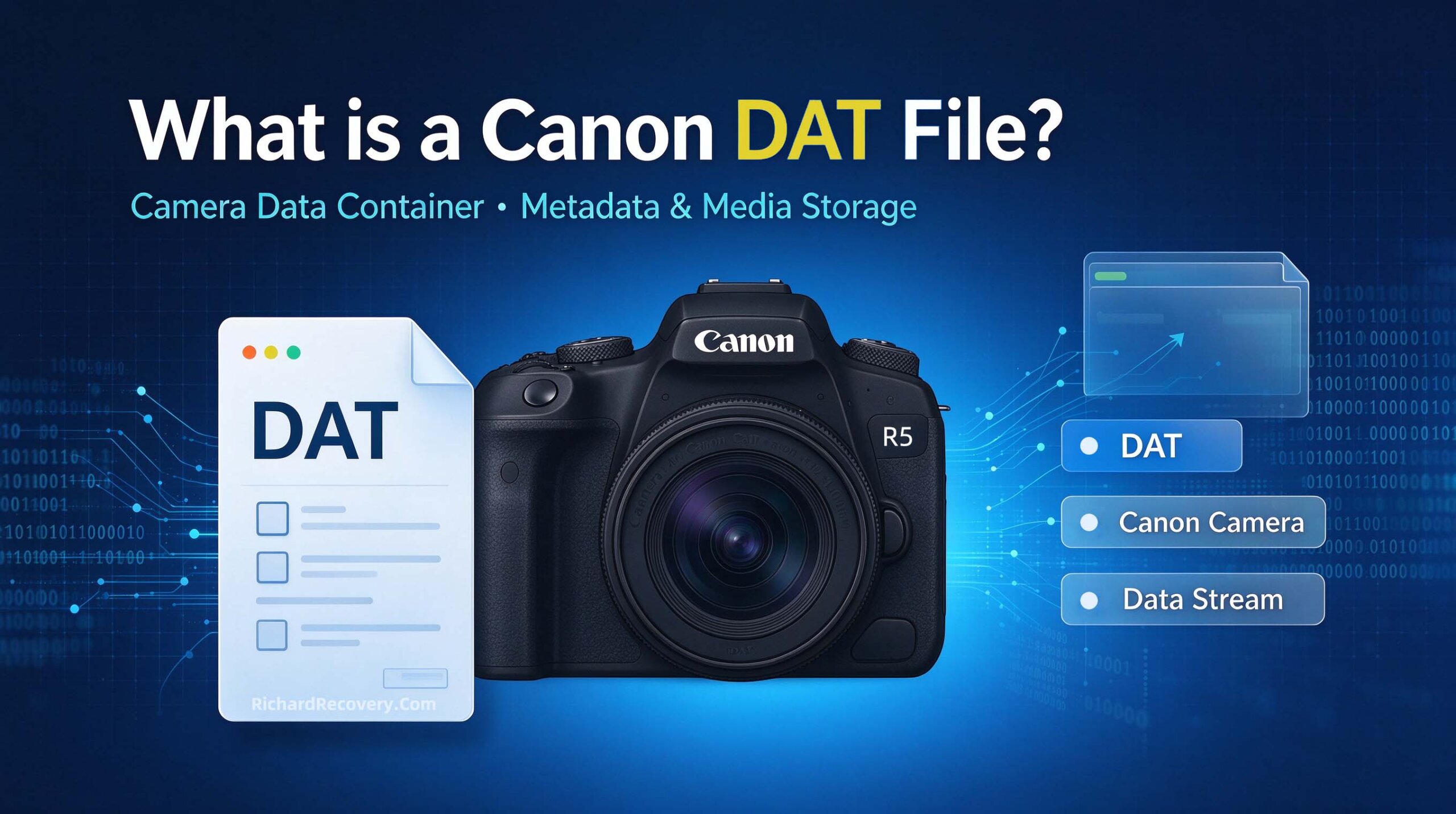
Short answer first A .DAT file on a Canon camera card is your video — recorded, present, but never finalized into the MP4 your camera and computer expect. You can't open it with any player or editor, because it isn't damaged footage; it's complete footage inside an unfinished container. The fix is container remuxing, which converts the DAT to a fully playable MP4 without re-encoding — as we do routinely.…
Read the post →
This case arrived in the client's own words, and they're worth quoting directly: "My SD cards somehow just completely wiped to nothing after shooting all day, but I recovered successfully all of the video files I needed except for 1 file, it is a 19.16 GB mp4 that I can't seem to repair like the others did." A full day of shooting, two cards wiped for reasons unknown, and a…
Read the post →
It was 11 p.m. on a Saturday. A wedding videographer Peter in Madrid messaged us: rushing to prep cards for the after-party, she had formatted the wrong CFA card — the one holding the entire ceremony, 128 GB of footage from a SONY camera, not yet backed up anywhere. The problem In-camera format, full card, zero backup, and a client expecting a highlight film in three weeks. On the good…
Read the post →
A father of two from Toronto wrote to us the day after returning from a two-week trip to Portugal. On the flight home, while freeing up space on the camera, he had selected what he thought was one clip — and confirmed "Delete All" on the card instead. The problem One tap. 80 videos and about 400 photos gone — beach days, a birthday celebration on the last night, the…
Read the post →
A travel photographer in Melbourne plugged her Micro SD(TF) card into a MacBook Pro after a three-week shoot in New Zealand — 128 GB of landscapes, timelapses and a once-in-a-trip drone session she'd already copied to some of it. Instead of the usual Finder window, macOS greeted her with the dreaded dialog: "The disk you inserted was not readable by this computer." Three buttons: Initialize…, Ignore, Eject. The problem This…
Read the post →We publish new cases every few weeks. Have a story of your own? Send us your file — it might be our next post (anonymously, of course).
Every case on this page started with one message. Send yours today — free assessment, no obligation.
Start Free Assessment →