
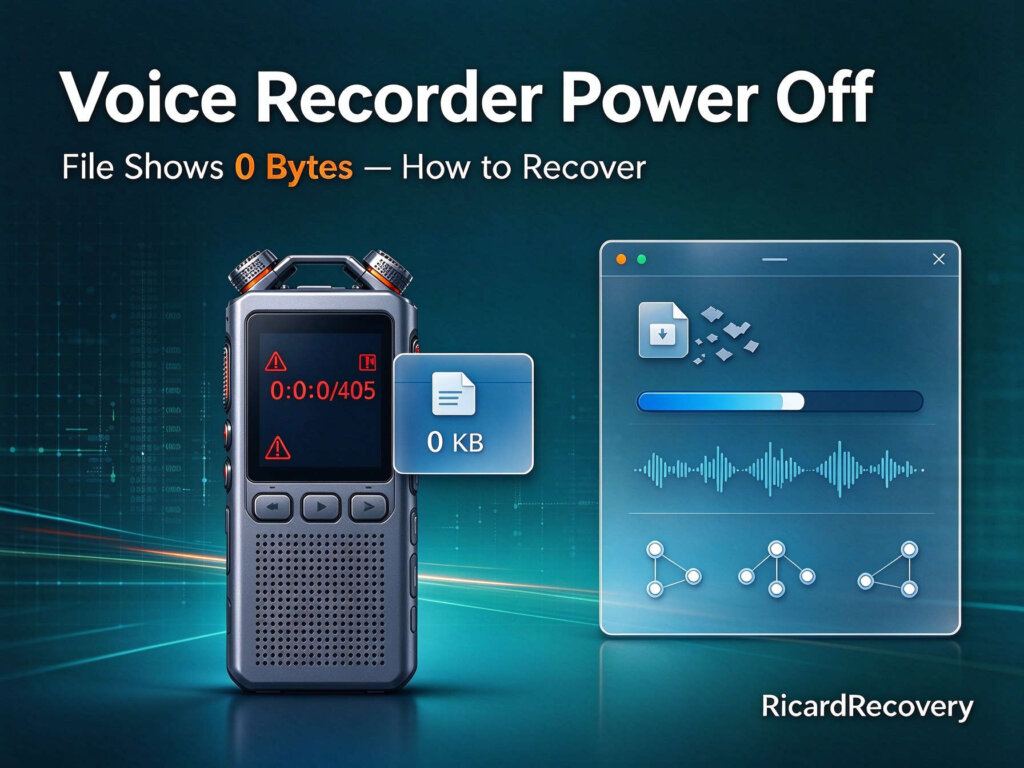
A meeting had been recorded on a voice recorder — about two hours, the full session. When it ended, the user switched the recorder off without pressing the stop button first. On the recorder itself, the last recording wouldn’t play back. Connected to a computer, the cause was visible: a final WAV file of exactly 0 bytes — present, unopenable, unplayable. Multiple recovery attempts failed, and the user turned to a professional audio data recovery service.
The problem — a textbook abnormal-shutdown recording
This is one of the most common recorder failure patterns we see: powering off mid-recording is, to the recorder, an abnormal termination — the audio data was written to storage, but the file’s directory entry was never completed, leaving a 0-byte ghost where the recording should be.
Two facts about this case made it fully solvable, and both were in the client’s favor:
- The damaged file was the last recording on the device — nothing was recorded after it.
- No other data had been written since. The two hours of audio were still physically in the storage, unindexed.
From repeated experience with exactly this failure mode, the case was suitable for direct remote recovery — no device shipping needed.
What we did — remote recovery of the 0-byte file
- Through a software, a complete image of the recorder’s storage was captured on the client’s own computer.
- The client upload and share with us through Dropbox.
- We scanned past the empty file entry, locating the orphaned audio data by its WAV structure and continuity — the two hours of meeting audio, still intact in the storage medium.
- The audio was extracted, its true order and timing reconstructed, and a proper WAV file rebuilt around it.
- The restored recording was auditioned end to end before delivery.
✓ Result
The 0-byte recording file was successfully recovered remotely — the entire meeting restored in full, from first speaker to last. What multiple recovery attempts couldn’t touch, the right method delivered in one pass.
The stop button, one more time
Every recording device — camera, camcorder, recorder — shares the same rule, and this blog now holds a case for each of them: the end of a recording is where files are most vulnerable. Stopping, finalizing, then powering down takes ten seconds; skipping it gambles the whole recording on the device surviving an abnormal shutdown gracefully. It usually doesn’t.
Takeaways
- Press stop before powering off — recorders, cameras, camcorders: the rule is universal.
- Abnormal shutdown, interruption, freeze, power loss: these damage or orphan recordings — do not keep recording on the device afterwards, or new audio will overwrite what recovery needs.
- A 0-byte final recording, with nothing recorded after it, is typically recoverable — remotely.
- Failed recovery attempts don’t mean the data is gone; they usually mean the method was wrong for a 0-byte case.
- Meeting and interview recordings: copy them off the device the same day. Free assessment here.
#0 Byte Audio File #Audio Data Recovery #Recorder Data Recovery